1
Pick your apps
Choose the apps that pull you in through Apple’s private Screen Time picker. Pauseway never learns which apps they are — it only holds Apple’s opaque tokens.
For iPhone · Built on Apple Screen Time
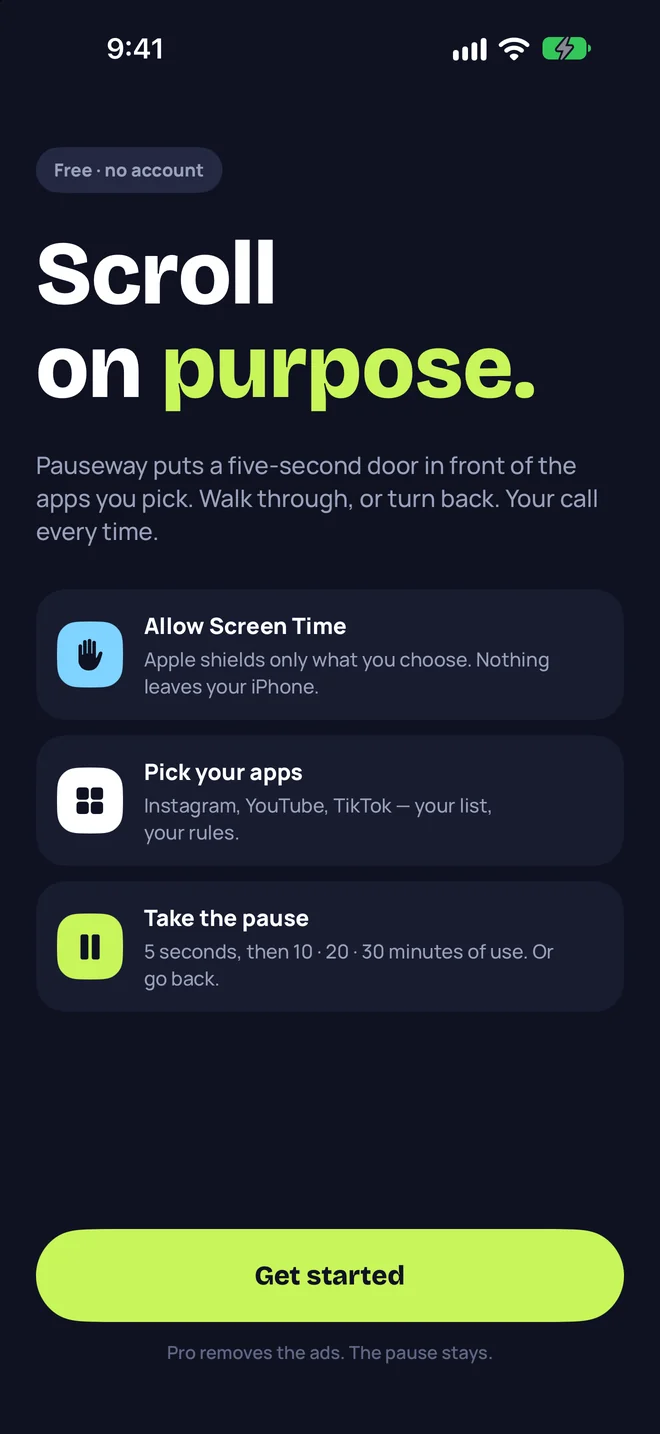
Pauseway puts a quiet door in front of the apps you pick. Walk through for a measured Social Pass, or turn back. Your call, every time.
Free with optional Pauseway Pro. Requires iOS 26.5 or later.
How it works
No willpower contests, no fake timers. Pauseway uses the same Screen Time system iOS uses for its own limits, so the pause is real.
Choose the apps that pull you in through Apple’s private Screen Time picker. Pauseway never learns which apps they are — it only holds Apple’s opaque tokens.
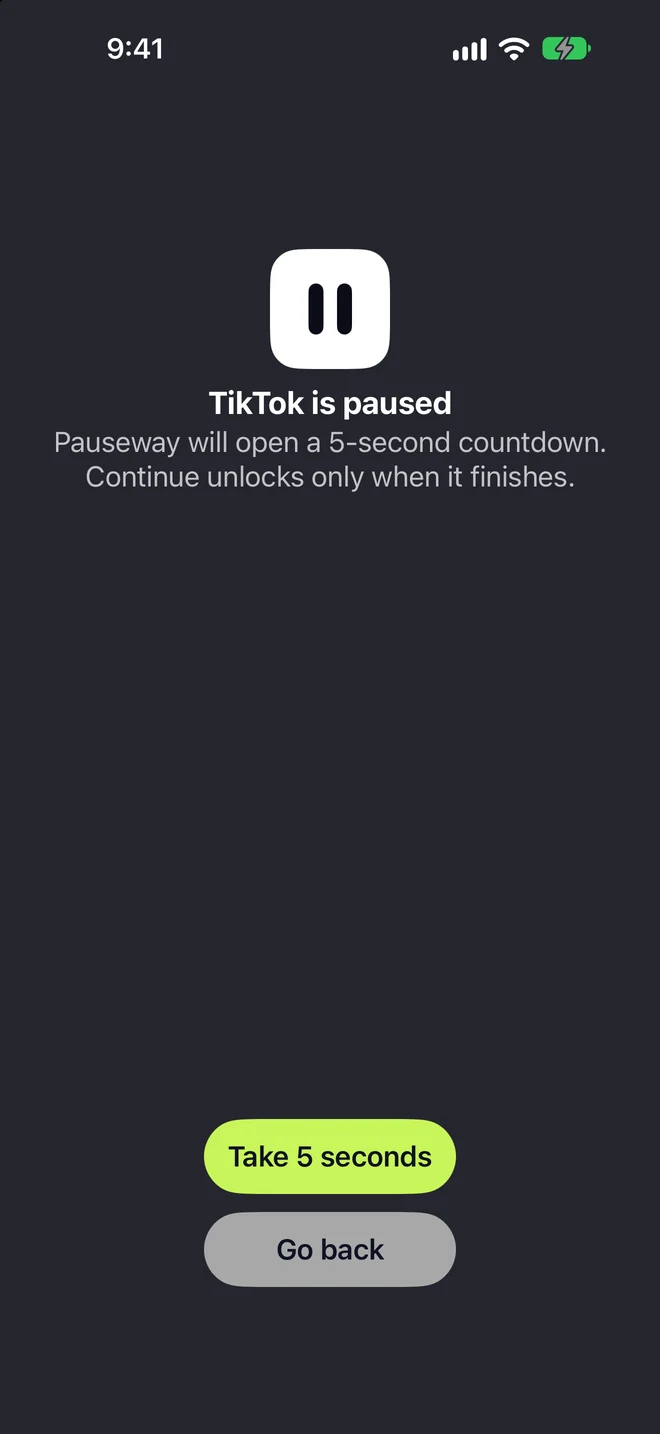
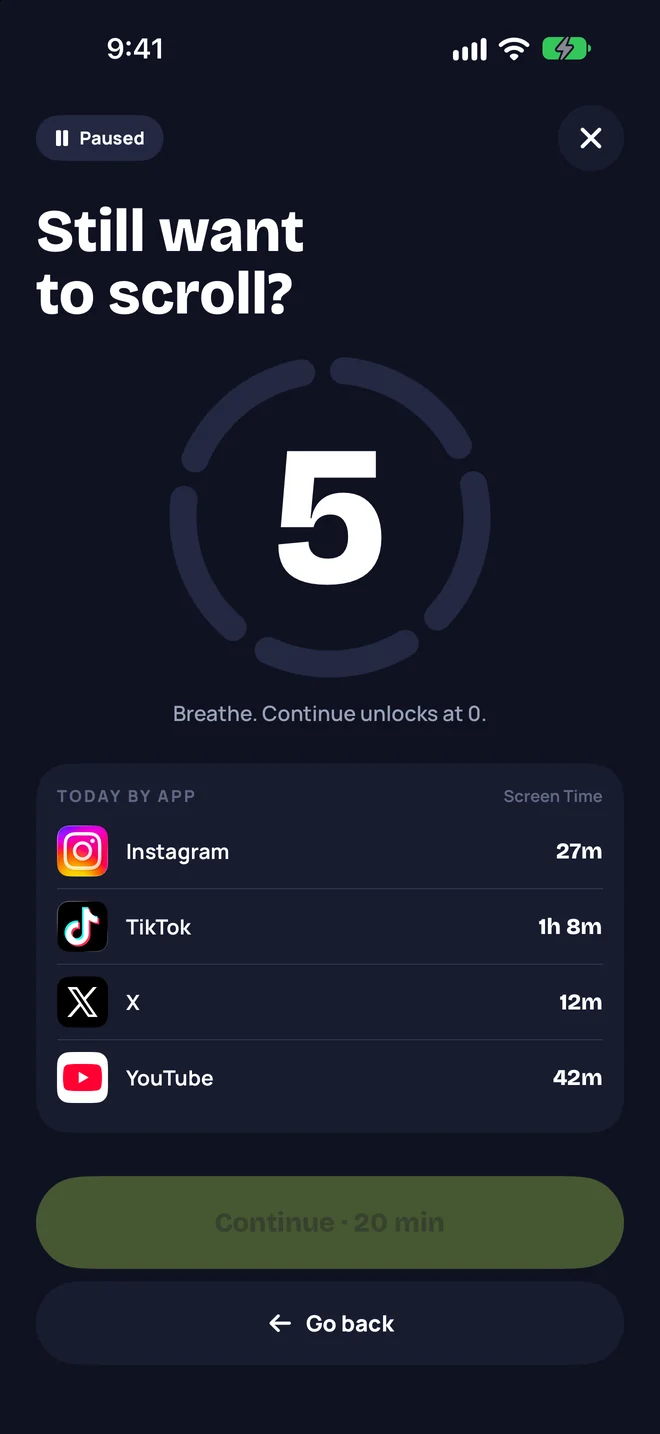
Open one and an Apple system shield appears instead. Go back — that’s the win — or choose to continue.
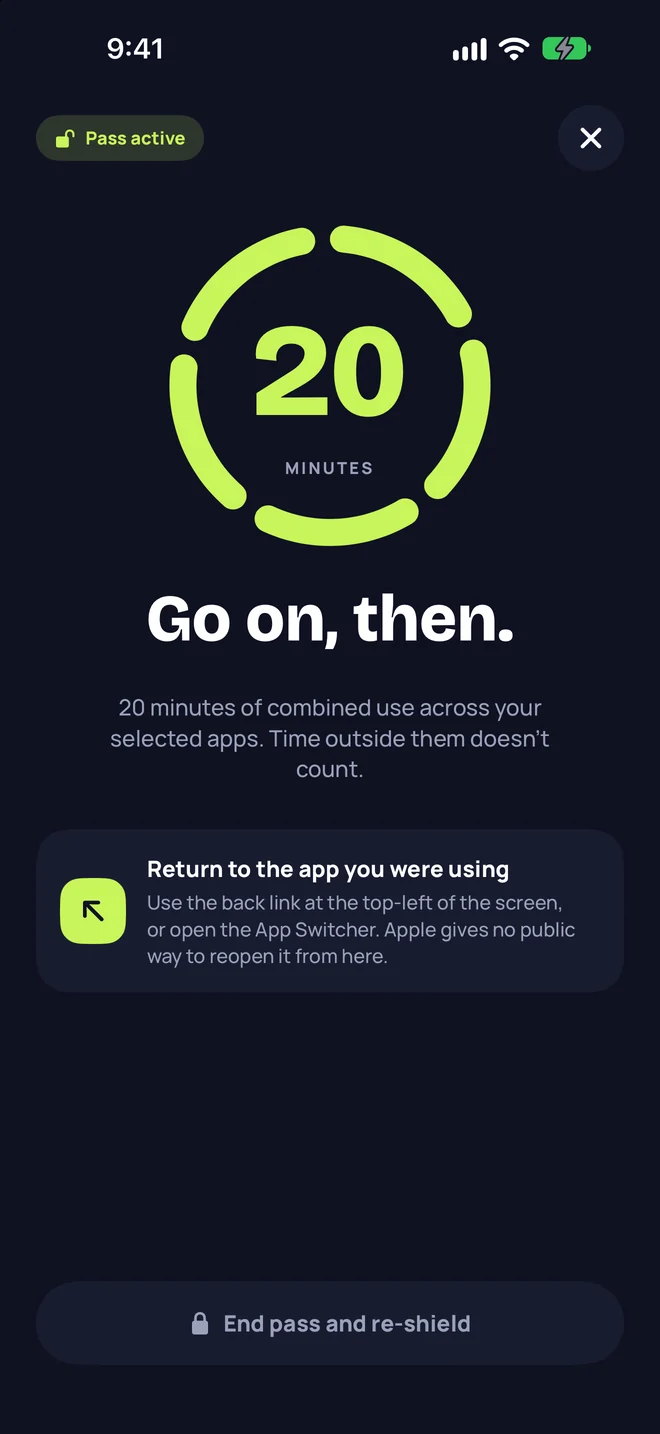
Unlock a 10, 20, or 30-minute pass. When you have used it up, the shield comes back on its own and Pauseway lets you know.
Measured honestly
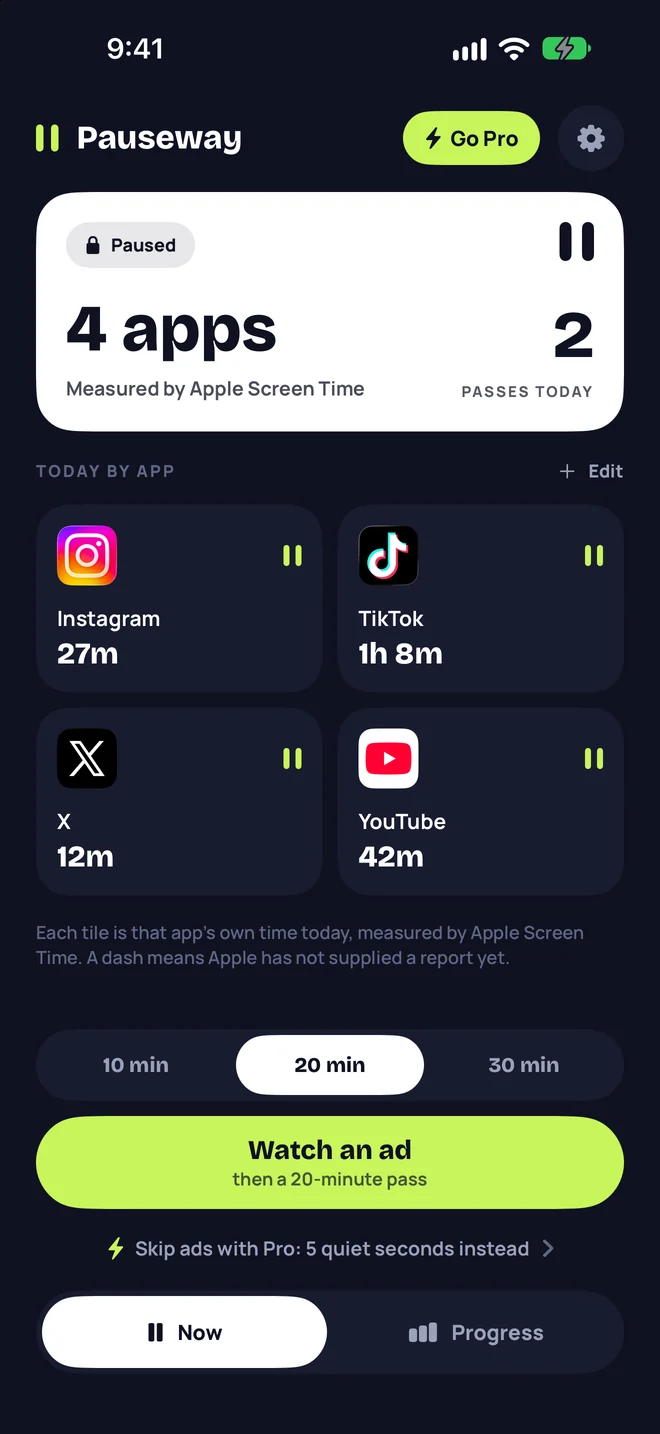
A Social Pass is minutes spent inside the apps you paused, added up across all of them. Apple Screen Time does the counting. Close the app and the clock stops. Time anywhere else never counts.
Free & Pro
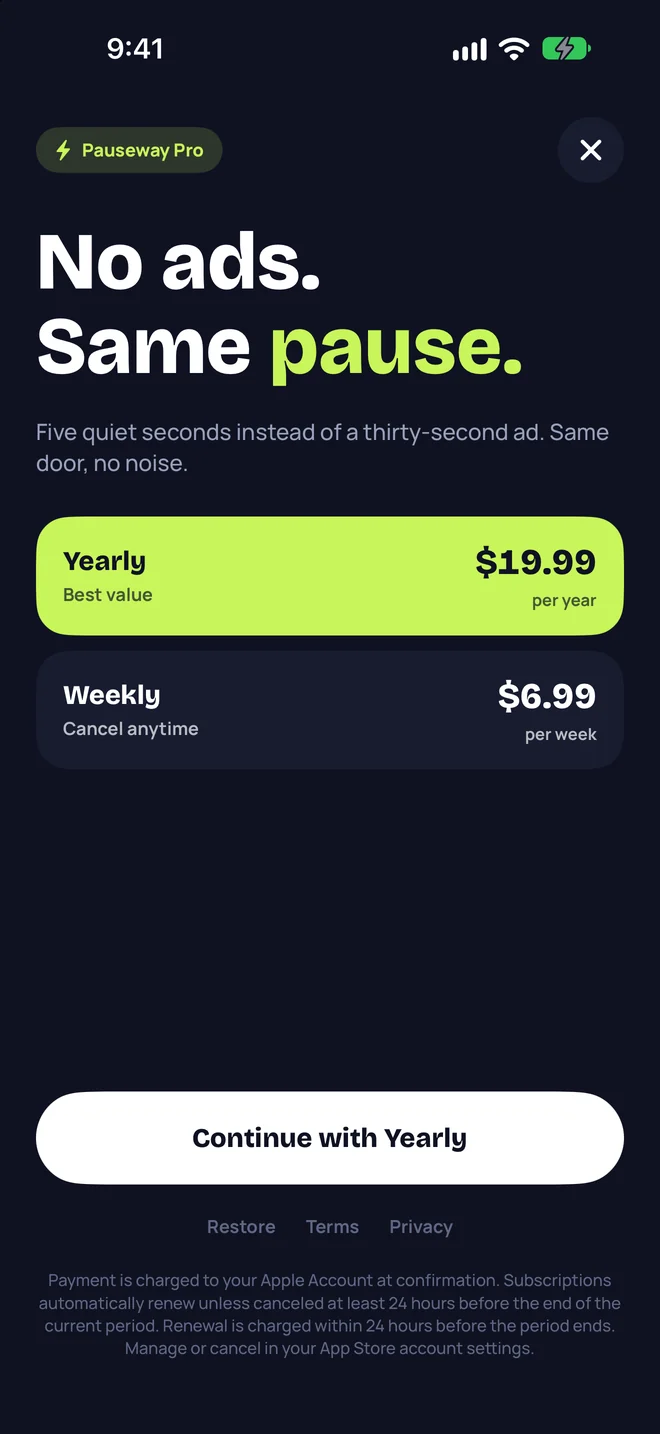
Both plans keep the pause. You choose what it costs to walk through.
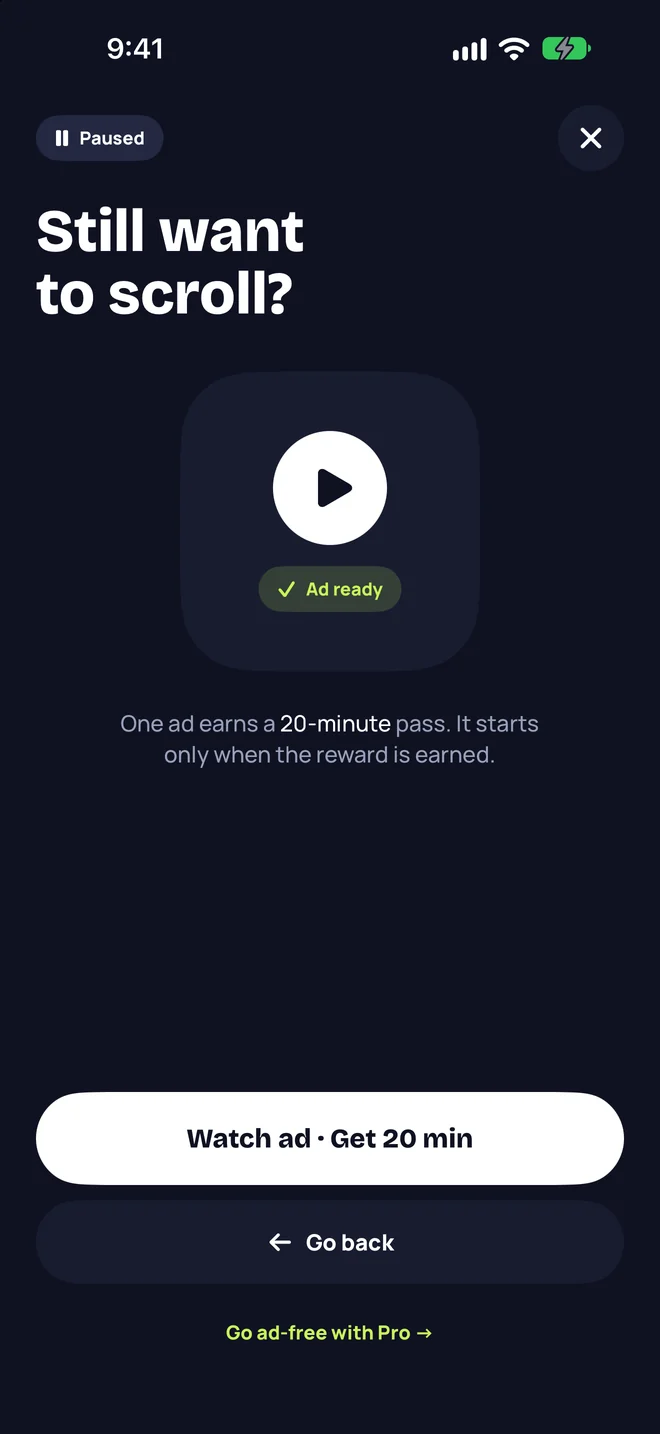
Every Social Pass costs one short rewarded ad.
Five quiet seconds instead of an ad.
Prices are shown in the app in your local currency before you subscribe. See the subscription terms.
Private by design
App choices are tokens Apple creates. Pauseway can shield them but cannot read their names.
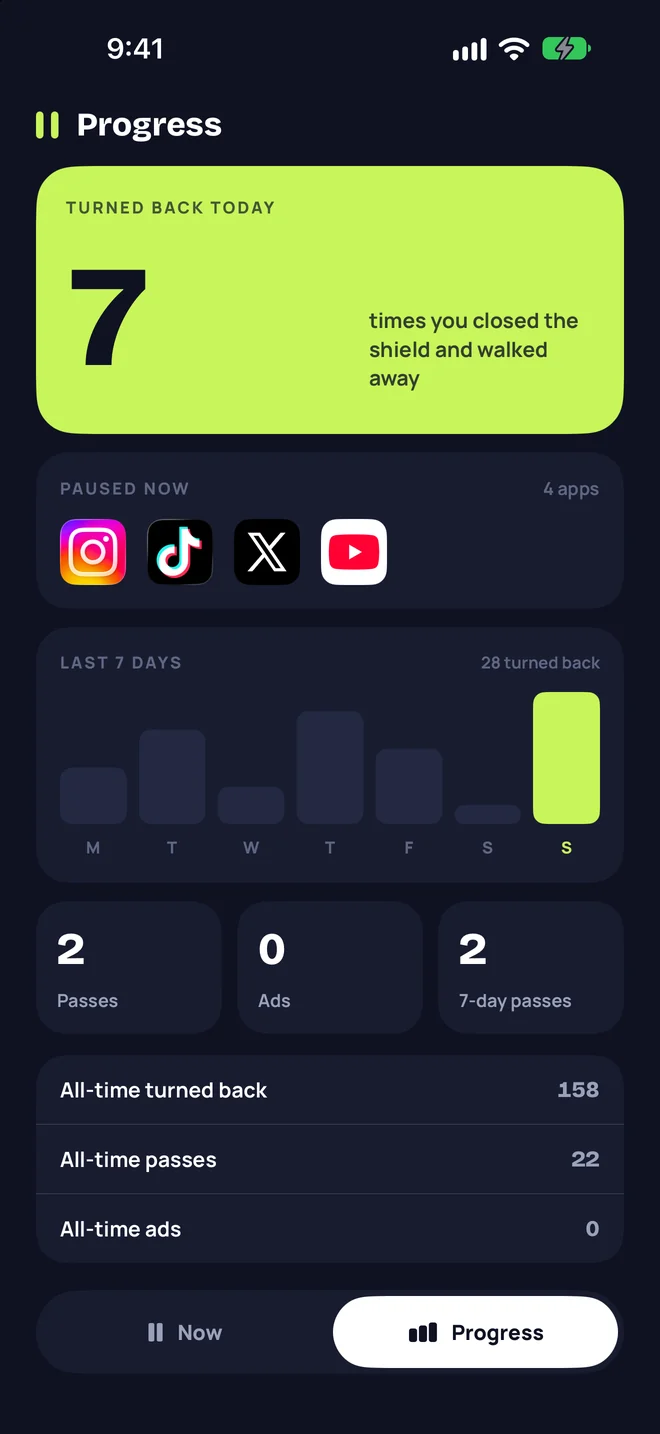
Turn-backs and passes are tallied locally. There is no Pauseway account and no analytics server.
Per-app minutes are drawn inside Apple’s private report sandbox and never leave it.
Questions
No. Timers keep running while you are elsewhere. A Social Pass only counts minutes you actually spend inside the apps you paused, measured by Apple Screen Time.
The shield is applied by iOS, not drawn by Pauseway, so it holds even when Pauseway is closed. You can always remove Pauseway’s Screen Time access or delete the app — Pauseway is a tool you choose, not a lock someone else holds.
Apple doesn’t let any app open another app from a private Screen Time token. After a pass starts, tap the back link in the top-left corner or use the App Switcher.
No. Pauseway never learns which apps you chose, and the minutes shown per app are rendered by Apple inside a sandbox Pauseway cannot read from.
Not yet. Pauseway 1.0 is a self-control tool for adults who choose it for themselves.
Either way, it was your choice. Pauseway is free on iPhone.
Download on the App Store